Hi,
I've installed the latest version of Workflow Server (1.2.4) and get a "HTTP 500 Internal Server Error" when trying to access the server.
Regards,
David
Re: Workflow Server 1.2.4
Hi David,
The new version (1.2.4) of Workflow Server requires IceBreak build 348. I have now changed the requirements in IceBreak Application Store. In your case you only need to install build 348 of IceBreak. You can get IceBreak build 348 from our download pages:
http://www.system-method.com/Download/IceBreak
Best regards,
Henning Ørnsø
Customize Workflow Server
Henning,
The upgrade fixed the problem and Workflow Server is now working.
Do you have any information on how to customize Workflow Server? Add right mouse options/actions, user authority, etc...?
Regards,
David
Basic features
Hi David,
All basic features are described in the "Quick Start manual":
http://www.system-method.com/sites/default/files/IceBreak/workflow/WFQuickStart.pdf
We will eventually improve on the manual - but please do not hesitate to contact us, if you have any questions.
Regards,
Kaj
Documentation for: Workflow Server 1.2.4
Hi Kaj,
Thanks, I have this document already, what I need to know is how do I configure events, etc...
For example:
- If a user moves a document to a folder, I want to update a database in an application, etc...
- If a user uploads a document, I want to send an email, etc...
Regards,
David
Update the CEN00 file
Hi David,
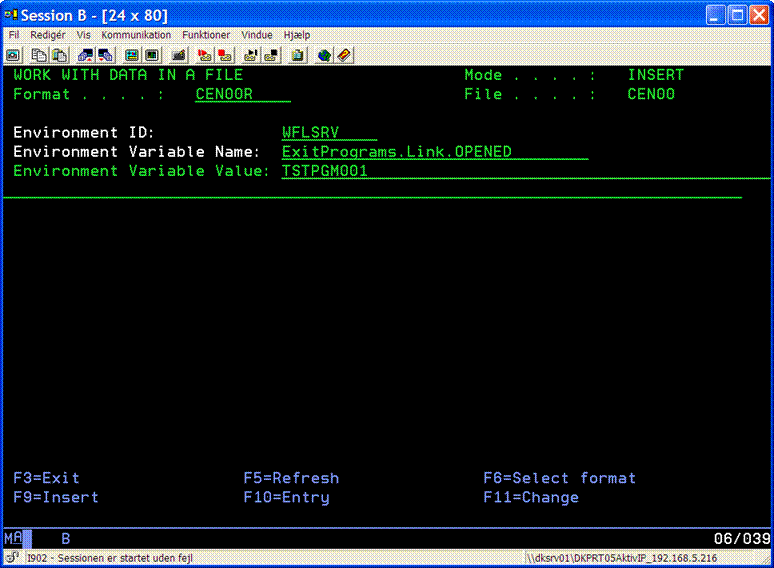
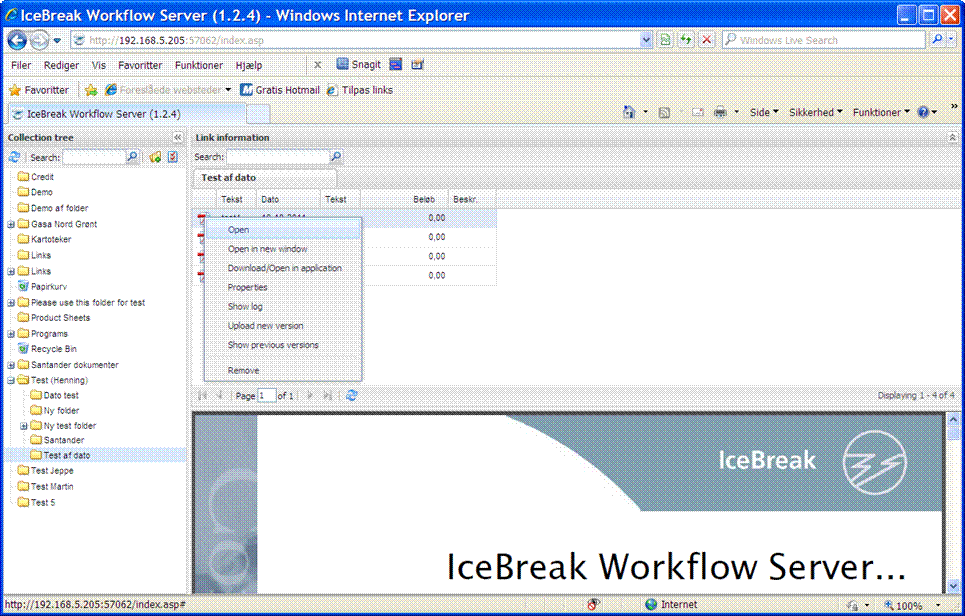
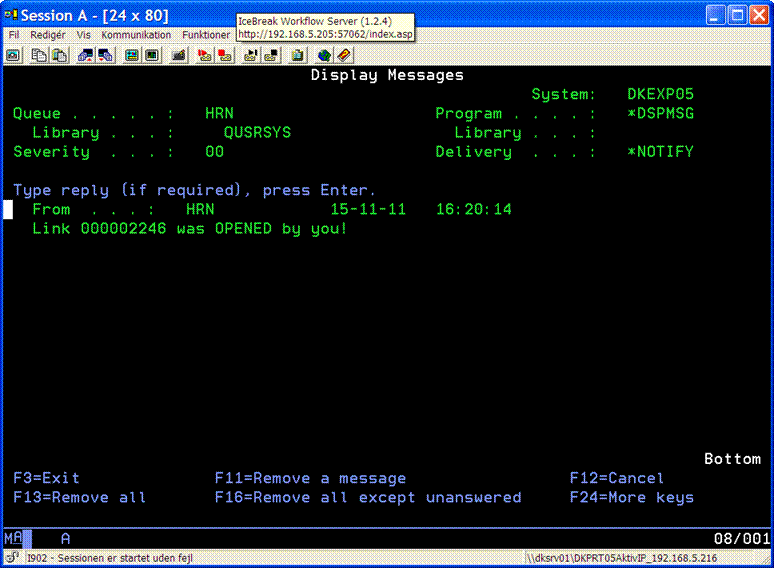
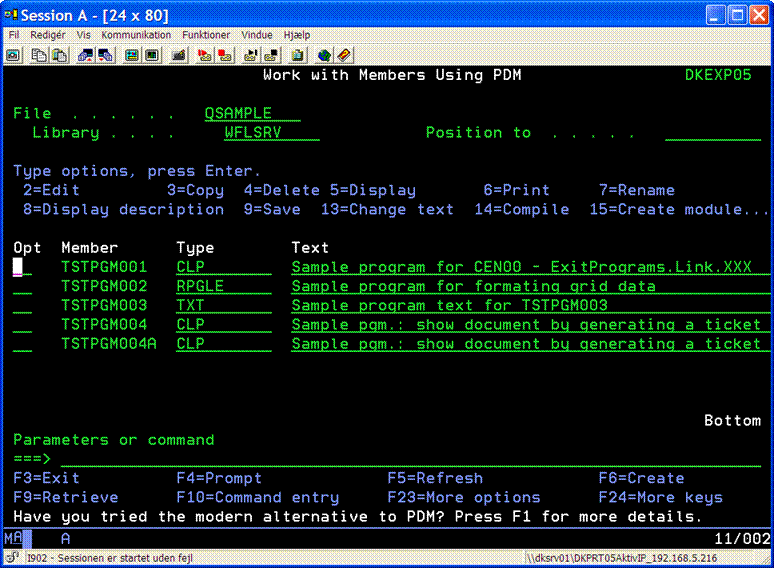
The easiest way is to update the CEN00 file with your own exit programs. See the following example:

Best regards,
Henning Ørnsø
Control access to folders
Henning,
Thanks for information, I have the sample message code working.
How would I control access to folders (by user/group)?
Regards,
David
User group access
Hi David,
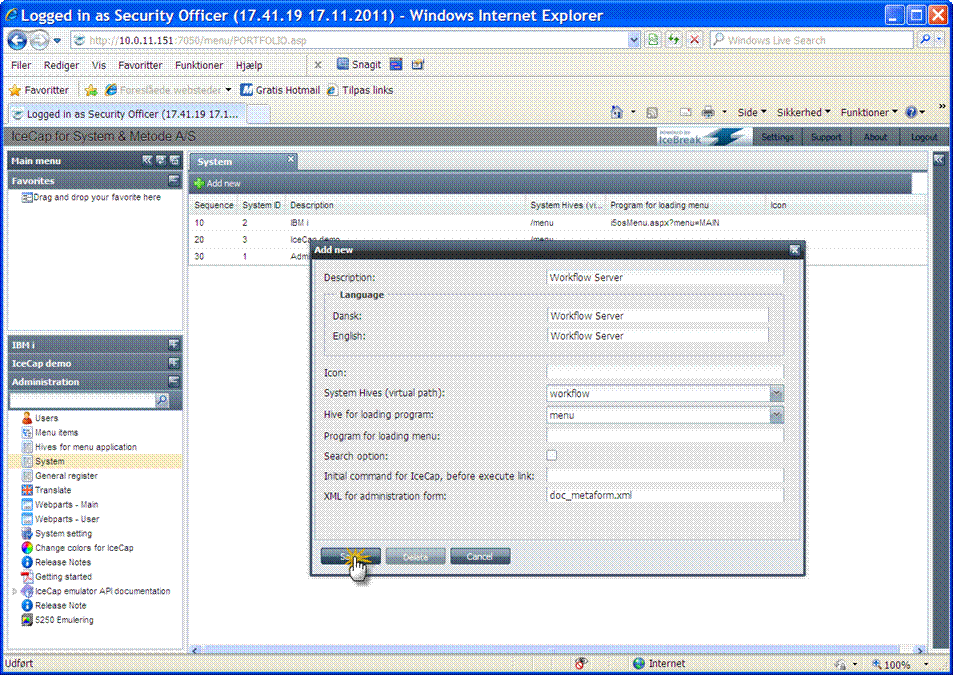
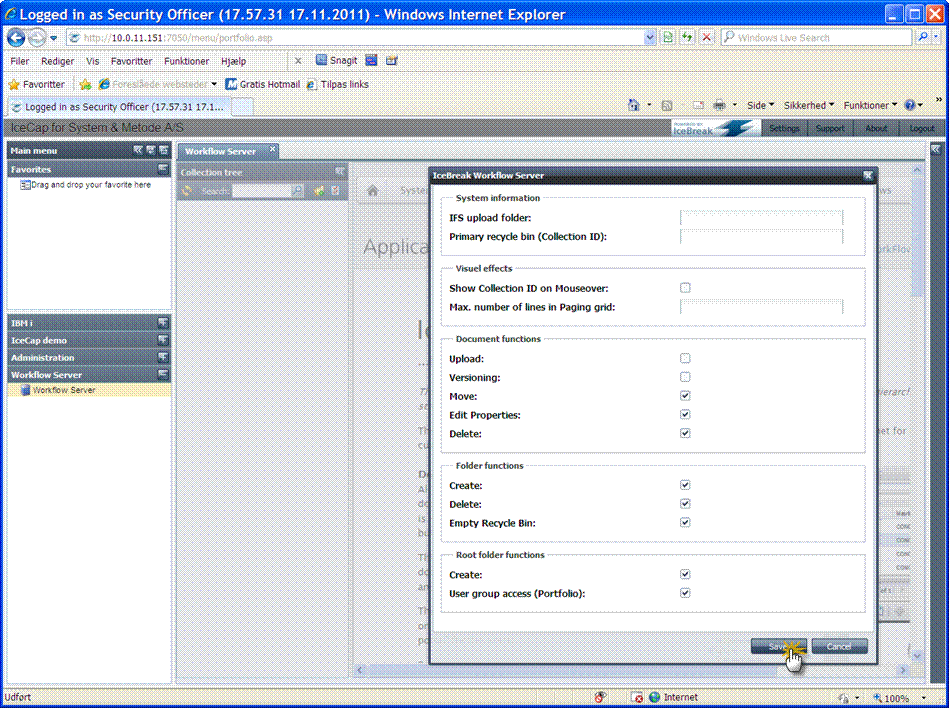
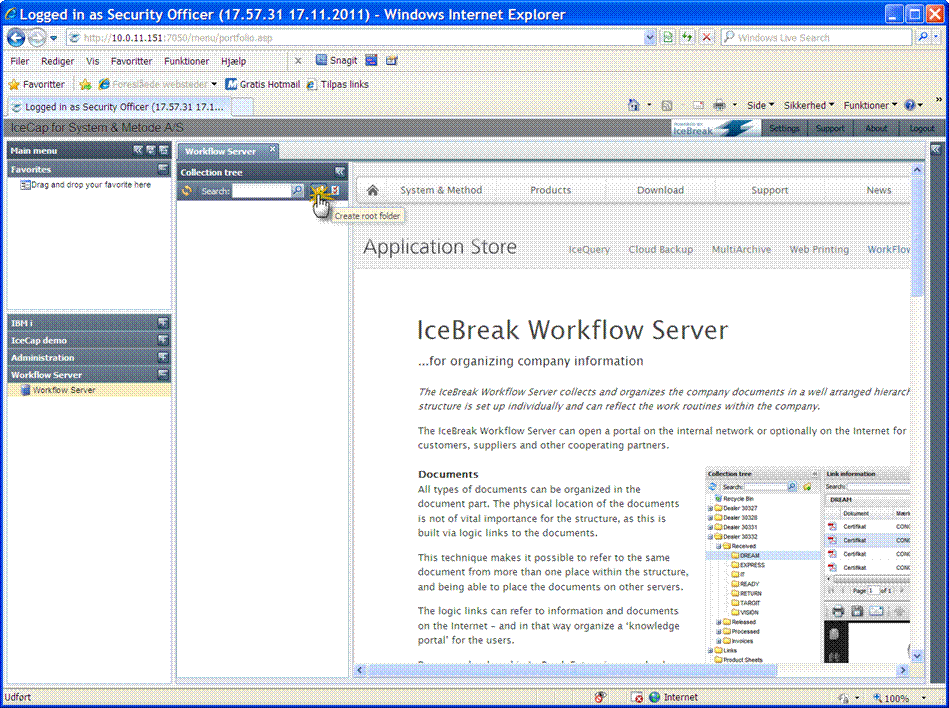
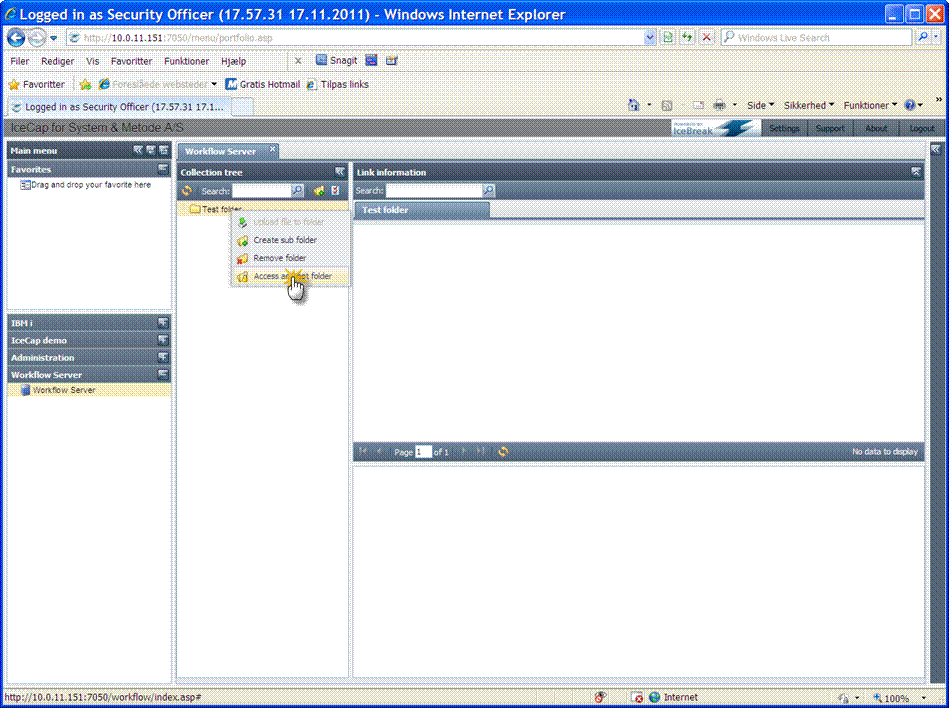
To use the “User group access” function in Workflow Server, you first need to configure Workflow Server to work in Portfolio. After you have installed Portfolio (IceCap) and Workflow Server, log on to the IceBreak Administration interface and edit the IceCap server. See the following examples:


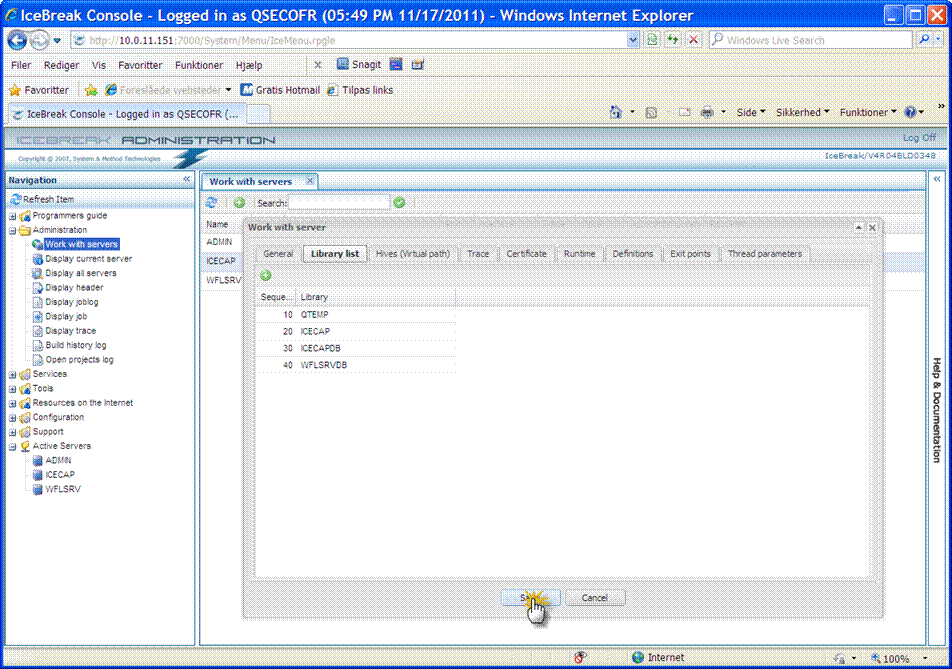
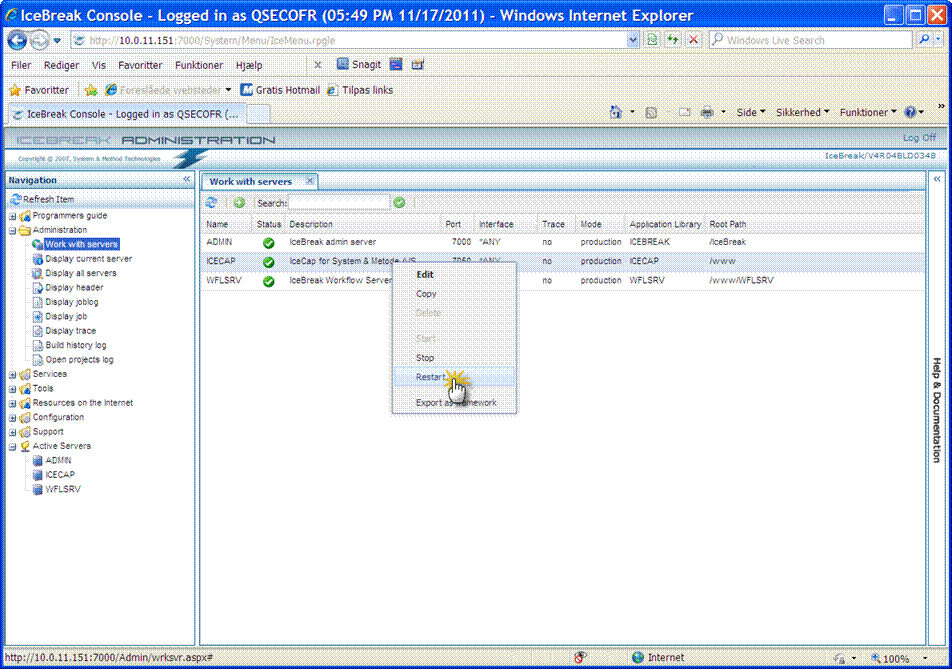
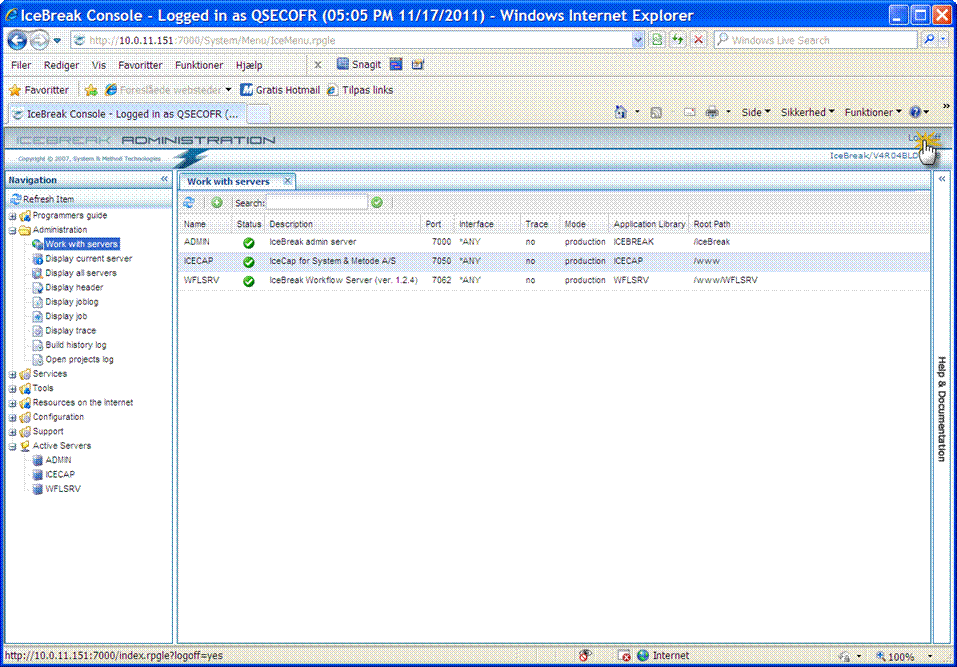
Log on to IceCap and setup Portfolio to use the Workflow Server:
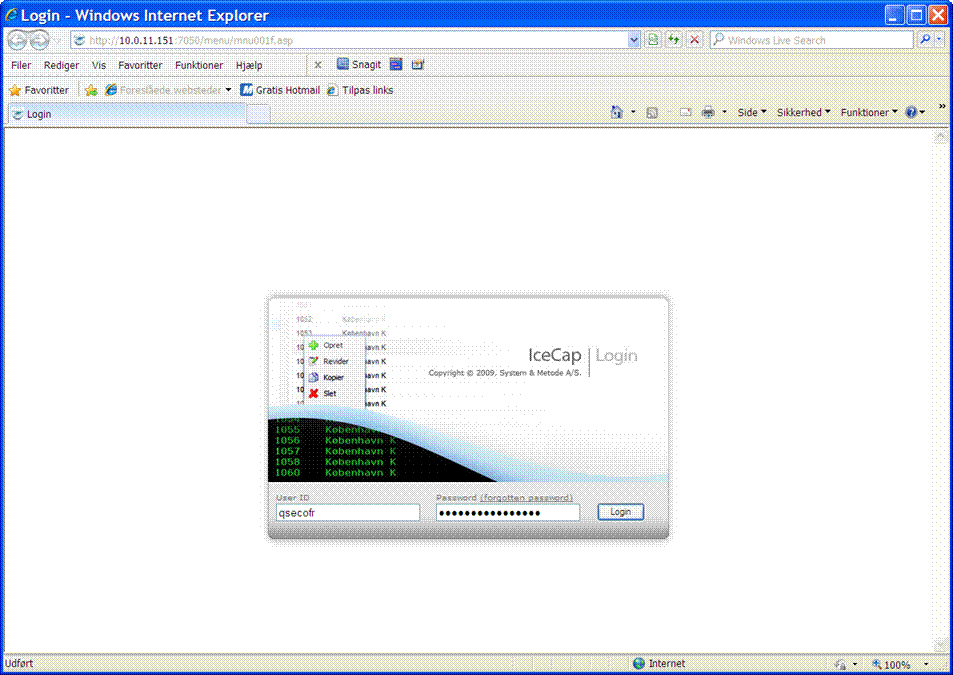




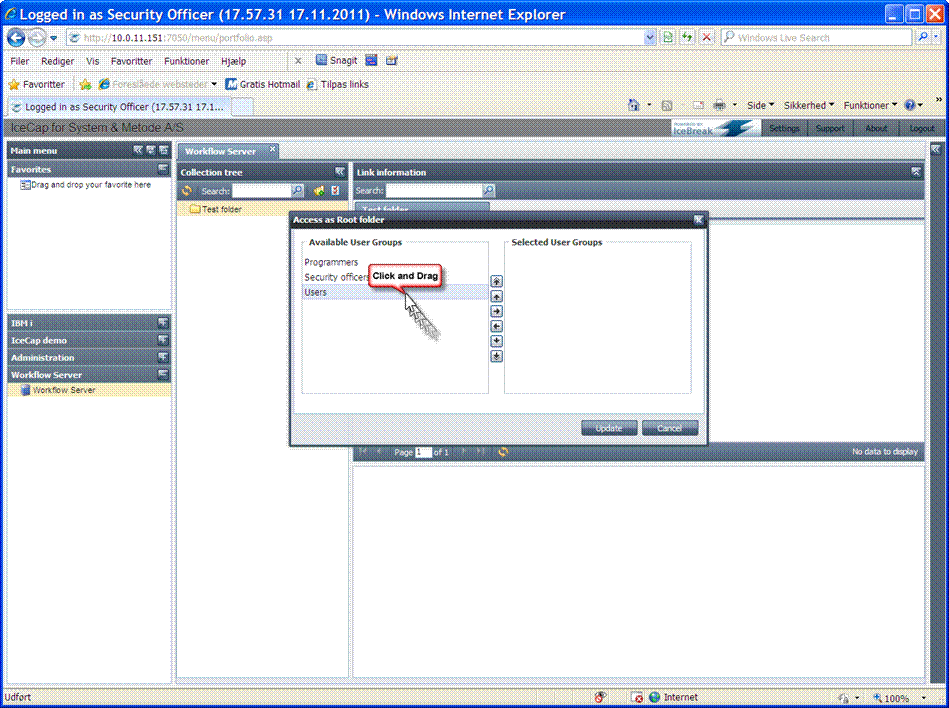
Best regards,
Henning Ørnsø